How-to · Chrome
How to save a webpage as PDF in Chrome.
Short answer: press Ctrl+P (⌘+P on a Mac) and choose Save as PDF. That works for simple pages. If you want only the article, text you can select and search, working links and a clean layout, use a PDF extension that runs on your device.
Way 1: Chrome's built-in Print to PDF
- Open the page and wait for it to load.
- Press Ctrl+P on Windows or ⌘+P on a Mac.
- Set Destination to Save as PDF.
- Click Save.
Good for: receipts, simple pages and pages that already have a print layout.
Problems you may see: menus, ads, cookie banners and sidebars are printed too; long tables and images can be cut between pages; and the result depends on how the site styled its print version.
Way 2: PageCarry — a clean PDF with real text
PageCarry is a Chrome extension. It rebuilds the page as a document instead of printing the screen.
- Add PageCarry to Chrome.
- Open the page you want to keep.
- Click the PageCarry icon. Choose Article (just the content), Full page or Selection, and a page size: A4, Letter or Continuous (one long page).
- Click Save as PDF, or press Alt+Shift+D (⌥+⇧+D on a Mac). The PDF goes to your Downloads folder.
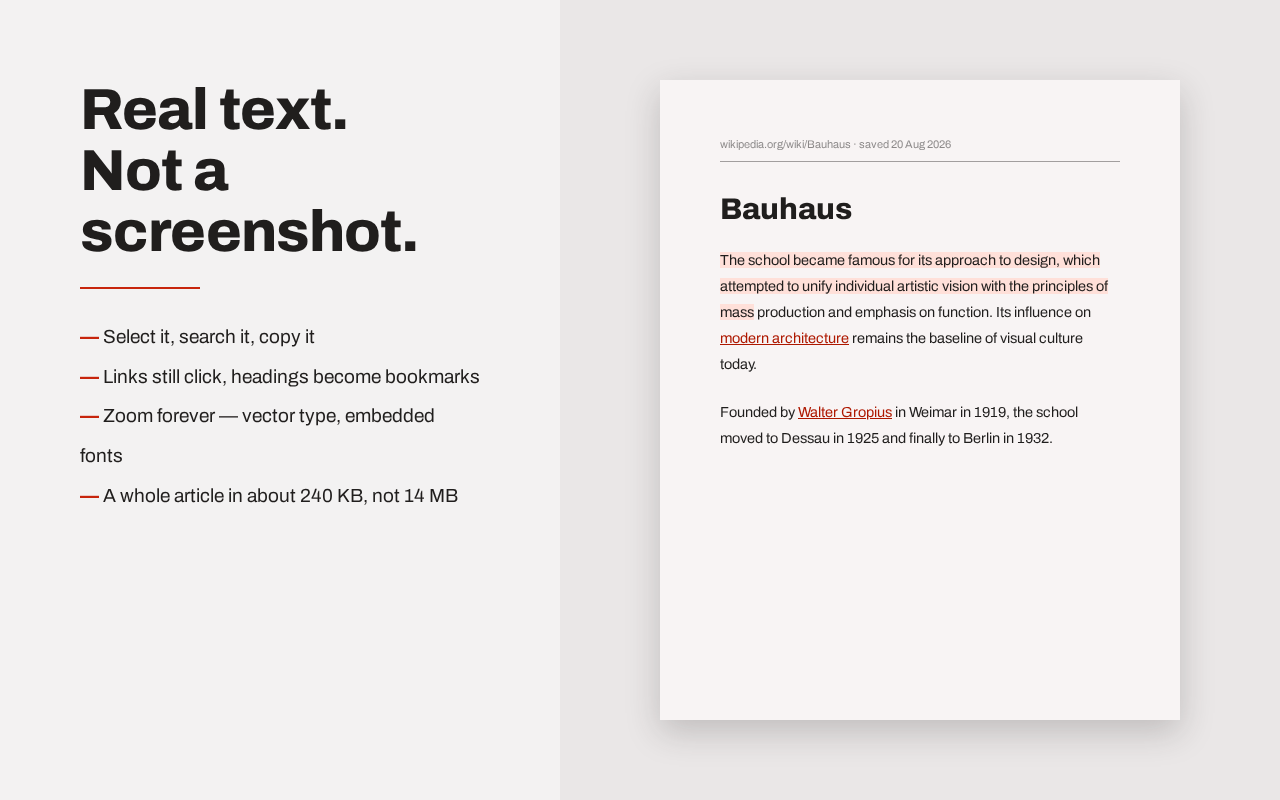
What you get
- Selectable, searchable text. It is a real PDF, not a picture of the page. You can copy from it and search it.
- Working links, and headings become PDF bookmarks.
- Reader mode removes menus, ads and clutter. An element remover lets you click away anything else.
- Works on pages you are signed in to, internal tools and localhost, because it reads the page already open in your browser.
Privacy
The PDF is made on your device. Page content is not uploaded, you do not need an account, and no watermark is added. PageCarry only reads the tab you click on: it does not ask for access to all your websites and does not use Chrome's debugging permission. Read the privacy policy for the full details.
Which one should I use?
- A simple page, once: Chrome's Print to PDF is enough.
- Articles, documentation, long pages, pages behind a login, or PDFs you will search or upload to an AI tool: PageCarry.
Common questions
Can I save a page without page breaks?
Yes. Choose Continuous. See how to save a webpage as one long PDF page.
Which pages can't be saved?
Chrome does not let extensions run on its own pages, such as chrome://settings or the Chrome Web Store. Some sites also block their images from being copied; PageCarry still saves the PDF and tells you how many images failed.
Is it free?
The current version has no clip limit and no purchase.